Manage Customer Payments Without Spreadsheets

Managing customer payments without spreadsheets means using a single digital workflow for invoicing, payment tracking, and reconciliation instead of maintaining rows by hand. For small service providers, that usually means fewer mistakes, faster follow-up, and a cleaner record of what has been paid, what is late, and what still needs attention.
The finance term you will sometimes see here is cash application, which simply means matching incoming payments to the correct open invoices. That process gets messy fast when payments arrive with vague notes, partial amounts, or multiple invoices rolled together. A spreadsheet can hold the data, but it does very little to help you untangle it.
Why spreadsheets fail at payment management
Spreadsheets handle the cleanest cases well enough. If every client pays the exact amount, on time, with a clear invoice number, the sheet works. Real payment activity is rarely that tidy.
A client pays three invoices in one transfer. Another sends a partial payment with no note. Someone references the wrong invoice number. Once those exceptions start stacking up, the spreadsheet stops being a simple tracker and becomes a manual reconciliation project.
Common spreadsheet failure points include:
- Mismatched payments. You spend time figuring out which invoice a payment belongs to.
- Delayed updates. If you update weekly, your picture of AR is already stale.
- No clean audit trail. A changed cell does not explain who changed it or why.
- No automated reminders. You still have to remember who is overdue and chase them manually.
Pro Tip: Ask clients to include the invoice number in the payment reference from day one. That habit reduces confusion no matter what system you use.
What digital tools can replace spreadsheets for payment tracking?
The best replacement depends on how your clients actually pay you. Most small service businesses end up in one of two buckets:
- Clients pay directly through an invoice or payment link.
- Clients send bank transfers and you reconcile them after the fact.
That distinction matters. Invoice-link workflows are usually simpler and lighter. Bank-import workflows make more sense when your payment volume or complexity is higher.
| Platform | Best for | Key feature | Pricing |
|---|---|---|---|
| Tendr.me | Small service providers | Free invoicing and payment tracking | Free |
| NetSuite | Growing businesses | Automated cash application from bank imports | Subscription, not publicly listed |
| Esker | Mid-size AR teams | Remittance capture and exception handling | Not publicly listed |
| CentralPay | Multi-channel businesses | Real-time reconciliation across payment channels | Not publicly listed |
| HighRadius | Businesses already deep in AR tooling | Exception routing and invoice matching support | Not publicly listed |
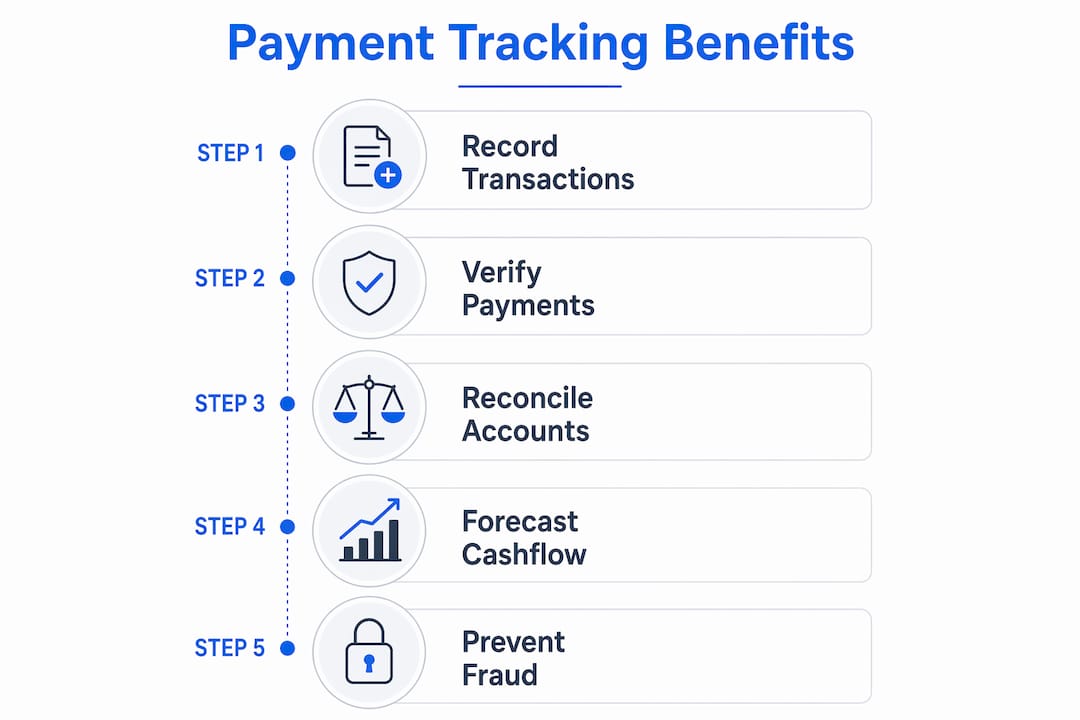
For most small operators, the enterprise tools are more than you need. The practical starting point is a simpler billing platform that lets you send invoices, collect payments, and keep the record in one place.
If that is the shape you want, start with a simple billing platform instead of a heavyweight AR stack.
How to set up a spreadsheet-free payment system
You do not need to rip everything out at once. The safest way to make the switch is to replace the highest-friction parts first.

Step 1: Map your current process. Write down how an invoice gets created, how a payment is received, and how you mark it complete. The point is to find the steps that waste time or create mistakes.
Step 2: Choose your payment flow. Decide whether clients should pay directly through an invoice link or whether you are mainly reconciling incoming transfers. That choice drives the rest of the setup.
Step 3: Clean up client data. Before moving anything, make sure client names, emails, and invoice references are consistent enough to be useful.
Step 4: Define exception handling. Decide how you want to treat partial payments, overpayments, and payments with no clear reference. The software should support the rule, not force you to invent one after the fact.
Step 5: Tell clients what changed. Keep the message short. Explain how they will receive invoices, how to pay, and what reference to include.
Step 6: Monitor what still breaks. Watch for repeated mismatches or client confusion during the first few weeks. Those signals usually point to a communication or workflow problem, not a software problem.
Pro Tip: Run the new workflow in parallel with the spreadsheet for a short period if you are nervous. That gives you a safety net without dragging the old system along forever.
What mistakes to avoid when going spreadsheet-free
The biggest mistake is assuming the tool alone will solve a messy process. If clients are not including invoice references, or if your billing details are inconsistent, a new platform will surface the mess faster but will not magically remove it.
Other avoidable mistakes include:
- Choosing software that is too complex. Enterprise AR tools can add more operational drag than value for a solo operator.
- Skipping reminders and follow-up. Automated overdue follow-up is one of the main advantages of going digital.
- Ignoring partial payments. Those need a clear rule, or your balances drift.
- Tracking only totals. You need visibility by client and invoice, not just a single AR number.
Good payment tracking practices also give you better dispute protection, because you can point to a real invoice-payment trail instead of a manually edited sheet.
Key takeaways
Managing customer payments without spreadsheets works best when you simplify the workflow, standardize references, and choose software that matches the way your clients actually pay.
| Point | Details |
|---|---|
| Spreadsheets fail at scale | Manual entry and manual matching turn messy payment cases into recurring cleanup work. |
| Payment flow comes first | Pick invoice-link payment or bank-import reconciliation before choosing a platform. |
| References matter | Clients who include invoice numbers make automation and follow-up much easier. |
| Keep the tool proportional | Small service businesses usually need a clear workflow, not a giant AR system. |
| Watch exceptions early | Exception volume tells you where the workflow is still unclear or breaking down. |
My honest take on ditching the spreadsheet
The spreadsheet feels safe because you built it and you understand every column. What it really gives you is familiarity, not a clean system. Once payment volume grows even a little, the spreadsheet starts asking you to act like software: match references, chase exceptions, preserve history, and remember follow-up timing.
A good digital workflow does not remove your control. It removes the repetitive bookkeeping work that was pretending to be control. That is the real win.
— Carrie Cash
Tendr.me makes the switch straightforward
Ready to stop updating rows and start getting paid through a cleaner system? Tendr.me is a free invoicing platform built for small service providers who want professional invoices and easier payment tracking without heavyweight accounting software.
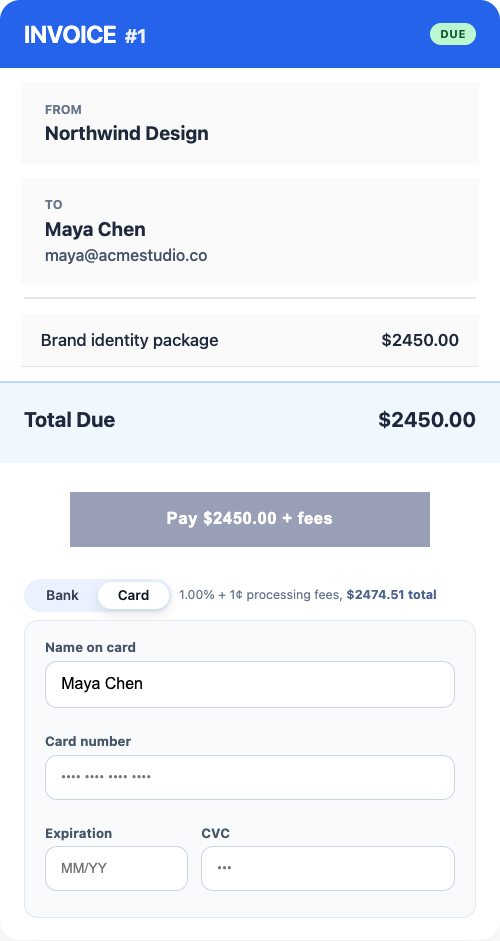
Tendr.me replaces the patchwork of app requests, PDFs, and spreadsheets with one place to send invoices, collect payments, and keep the record straight.
FAQ
What does “manage customer payments without spreadsheets” mean?
It means using a billing or payment platform to handle invoicing, payment tracking, and reconciliation in one place instead of maintaining the process manually in a spreadsheet.
What is cash application and why does it matter?
Cash application is the process of matching incoming payments to open invoices. The cleaner that process is, the less manual cleanup you have to do later.
How do I get clients to pay through a new system?
Send a short email explaining the new process, include a direct invoice or payment link, and ask clients to reference the invoice number whenever they pay.
Is free payment tracking software reliable for small businesses?
For many small service businesses, yes. A simpler system can be far more useful than enterprise software if it gives you strong invoice and payment visibility.
What should I do when a payment does not match an invoice?
Flag it as an exception, review the client and invoice details, and follow up directly if the payment reference is unclear or incomplete.