What Is a Payment Link? A Guide for Freelancers

A payment link is a unique URL tied to a specific payment request. You send it to a client, they open a hosted checkout page, and they can pay without needing your bank details, a PDF attachment, or a full ecommerce setup. For freelancers, it is one of the simplest ways to shorten the distance between “invoice sent” and “money received.”
What is a payment link, and how does it work?
A payment link is a hosted checkout shortcut. You create the link inside a payment provider, set the amount and a few details, then share the resulting URL with the client. When they click it, they land on a payment page that is already prepared for that transaction.

The provider hosts the checkout page, not you. That matters because the provider also handles card security and the checkout environment itself. As a freelancer, you are not building a payment form from scratch or handling sensitive card data directly.
In practice, the flow is simple:
- You create a payment link for a specific amount.
- You add context like an invoice number or project name.
- You send the link by email, text, or message.
- Your client opens it and pays.
- You get confirmation and can reconcile the payment against the job.
That is why payment links are popular with freelancers. They remove just enough friction to make paying feel immediate, while still giving you a cleaner record than consumer apps alone.
Pro Tip: Always pair a payment link with a real invoice or at least a written payment summary. The link helps collect the money, but the invoice is still the cleanest record of what the client is paying for.
Why freelancers use payment links
The strongest argument for payment links is speed. Clients do not need to ask where to send payment or copy routing details into another app. They click once and see a ready-to-pay page.
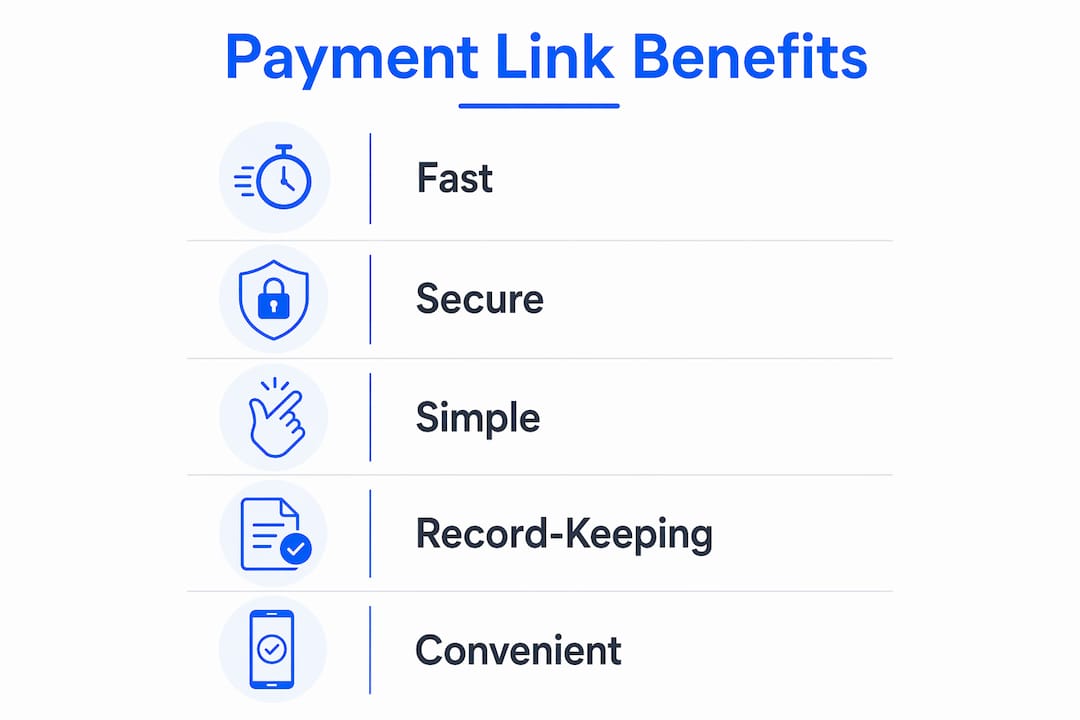
That speed is useful, but the real value is in reducing ambiguity. A payment link gives the client the exact next step. There is less room for “I meant to pay but got distracted” or “I was not sure which payment app to use.”
- No website required. You can send the link through email, SMS, WhatsApp, or any other channel your client already uses.
- Cleaner reconciliation. If you attach an invoice number or project name, you have a direct match between the payment and the job.
- Professional presentation. A hosted checkout page feels more intentional than asking someone to hunt down your Venmo or Cash App handle.
- Less follow-up. A client with a clear path to pay is more likely to pay on the spot.
- Flexible use cases. Deposits, final balances, milestone payments, and one-off charges all work well with payment links.
For a freelancer, those are practical improvements, not just abstract features. A payment link turns a vague payment request into a clear action.
How to create and share a payment link
Most payment providers follow roughly the same pattern, so the process is straightforward even if the dashboard labels differ a little.
- Open your payment provider dashboard. Find the section for payment links or payment requests.
- Enter the amount owed. Double-check the currency if you work with international clients.
- Add identifying details. Include an invoice number, job name, or other metadata that helps you match the payment later.
- Set an expiration date. If the link should only be valid for a specific invoice period, make that explicit.
- Generate the link. Copy the unique URL the platform gives you.
- Send it with context. Put it inside your invoice email, a billing text, or a follow-up message that explains exactly what the payment covers.
- Watch for confirmation. Once paid, mark the invoice accordingly so your records stay current.
Where freelancers go wrong is sending the link by itself. A naked URL in a text message may collect payment, but it is weak documentation. A much better pattern is to send the payment link alongside a proper invoice or written billing summary. If you want the full workflow, this companion guide on billing workflows is the better mental model.
Pro Tip: Put the link in the same message as the invoice. Every extra hop between the billing record and the payment action adds delay.
Payment link vs invoice vs consumer payment app
A payment link is not a replacement for an invoice. It solves the collection step, while the invoice solves the documentation step. That distinction matters more than people think.
| Method | Best for | What it does well | Where it falls short |
|---|---|---|---|
| Payment link | Fast, specific payment collection | Easy to send and easy to pay | Needs supporting documentation |
| Invoice | Professional service work | Documents the transaction clearly | Does not always make payment easy by itself |
| Consumer payment app | Informal transfers | Fast for people who already use it | Messy records and weaker presentation |
For freelancers, the sweet spot is usually invoice plus payment link. The invoice explains what is owed. The payment link makes it easy to pay. Consumer apps can still work in a pinch, but they tend to leave your recordkeeping fragmented and your workflow looking improvised.
If you want a broader comparison, this article on payment requests versus bills pairs well with the payment-link conversation.
Key takeaways
A payment link is one of the simplest tools a freelancer can use to reduce friction at checkout, but it works best when it is part of a real billing process rather than a substitute for one.
| Point | Details |
|---|---|
| Payment link definition | A unique URL that sends a client to a hosted payment page for a specific transaction. |
| Why freelancers use them | They reduce friction, speed up payment, and give the client a clear next step. |
| What they are not | They are not a replacement for invoices or proper payment records. |
| Best practice | Use payment links alongside an invoice, not instead of one. |
| Operational benefit | Metadata like invoice numbers makes reconciliation much easier later. |
Why payment links change the billing conversation
The most interesting thing about payment links is not the technology. It is the psychology. A client who sees a clear, immediate way to pay is more likely to act in the moment. A client who has to figure out where the money goes often delays, even when they fully intend to pay.
That is why the best billing systems do not separate the request from the action. They make the request legible and the payment path obvious. For freelancers, that usually means a proper invoice with an embedded payment request or payment link, not a loose message with a handle and a vague amount.
What looks like a tiny UX improvement can have a real cash-flow effect. Less confusion means less delay. Less delay means less chasing.
— Carrie Cash
Tendr.me makes payment links part of your invoicing
If you are still sending invoices one way and collecting money another, you already know how messy that feels. The billing record lives in one place. The money lands somewhere else. Then you are left stitching the story back together.
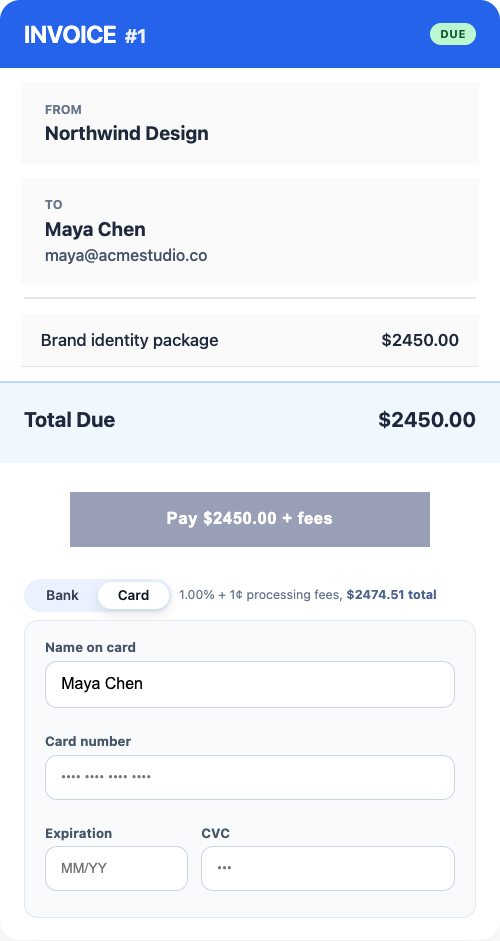
Tendr.me is a free billing platform for freelancers and small service businesses. It helps you create clean invoices, attach payment requests, and keep a clearer record of what has been paid and what is still open, without juggling a pile of consumer payment apps.
FAQ
What is a payment link in simple terms?
A payment link is a unique URL you send to a client that opens a hosted checkout page with the amount and payment details already filled in.
Is a payment link the same as an invoice?
No. An invoice documents what is owed and why. A payment link is the collection mechanism that lets the client actually pay you.
How do freelancers create a payment link?
Freelancers usually create one inside a payment provider dashboard by entering the amount, setting an expiration date, adding metadata like an invoice number, and copying the generated URL.
Are payment links secure?
Yes. Payment links usually send the client to a provider-hosted checkout page that handles card data in a PCI-compliant environment.
Can I send a payment link without a website?
Yes. That is one of the main reasons freelancers use them. Payment links can be sent by email, text, WhatsApp, or other messaging channels without any website setup.